Google Finance’s watchlist and portfolio tools serve related but different purposes. A watchlist helps you monitor securities you are interested in; a portfolio is intended to represent investments you hold and analyze their performance and allocation. Knowing which one to use makes it easier to separate ideas you are researching from assets you actually own.
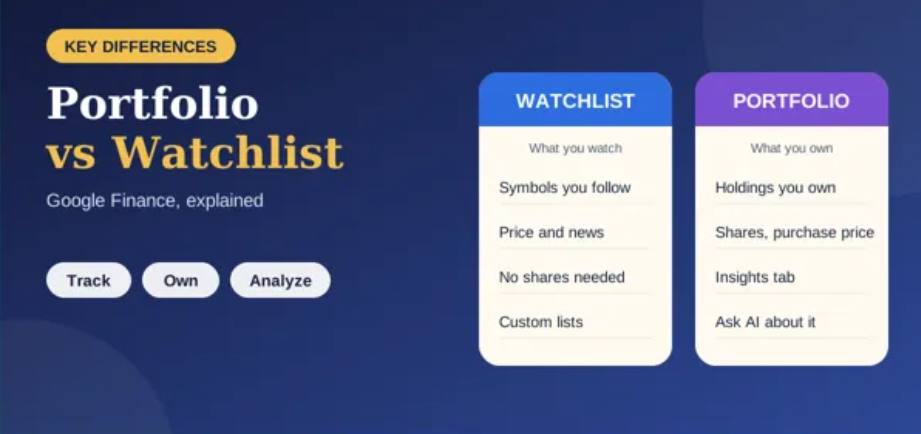
What is a Google Finance watchlist?
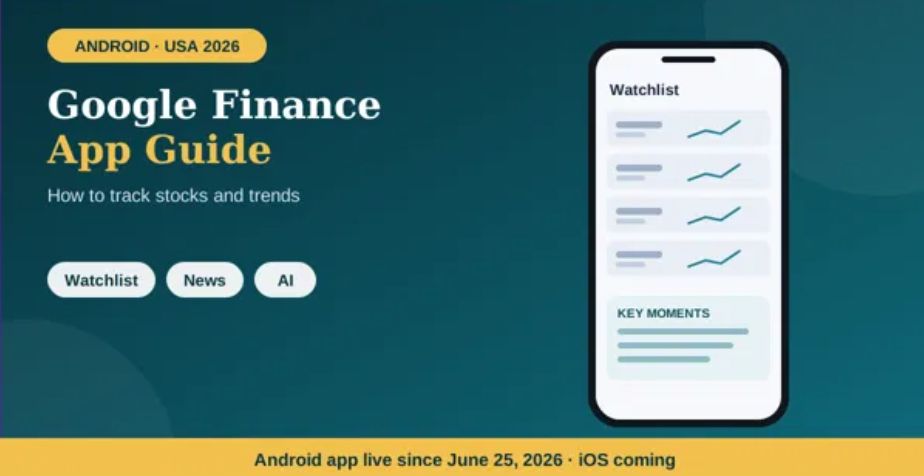
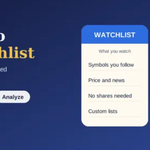
A watchlist is a collection of stocks or other supported market instruments you want to follow. You might add a company because you are researching it, waiting for an earnings report, comparing competitors or simply tracking its price. Adding a stock to a watchlist does not mean you own it or have bought it.
For example, an investor researching five technology companies can put all five on a watchlist even if they own shares in none of them. The list becomes a convenient place to check price movements, relevant news and market information without searching for each ticker separately.
What is a Google Finance portfolio?
A portfolio represents investments you hold or want to track together. Google’s updated portfolio experience, announced in June 2026, consolidates investments into a dashboard with performance data and insights into asset allocation. Google says users can create a portfolio by describing their investments or by uploading screenshots or files such as CSVs and PDFs containing holdings. Google’s announcement explains the new portfolio experience.
A portfolio can help you examine how your holdings fit together, rather than looking at each stock in isolation. Its usefulness depends on the accuracy and completeness of the information you enter or upload. Review imported data carefully, especially ticker symbols, quantities, currencies and any purchase details.
Portfolio vs watchlist: the main differences
| Feature | Watchlist | Portfolio |
|---|---|---|
| Main purpose | Monitor securities of interest | Track investments as a group |
| Ownership required? | No | Designed around holdings you want to track |
| Typical use | Research ideas and follow price changes | Review performance and asset allocation |
| Example | Companies you may buy later | Stocks and other assets already in your investment plan |
| Best question it answers | “What am I watching?” | “How are my tracked investments doing together?” |
Feature availability can vary by device and rollout. Google’s current help page says custom watchlists are available after signing in, while portfolio features are currently part of the web experience and are expected to reach mobile in future updates. Check the current interface in your region before relying on a specific menu or feature. Consult Google’s help page for current availability.
When should you use a watchlist?
- You are researching a company: Add it before deciding whether it belongs in your portfolio.
- You want to compare competitors: Track several companies in the same industry in one place.
- You are following market events: Keep an eye on companies approaching earnings announcements or other important dates.
- You want to separate possibilities from holdings: Use a watchlist for ideas that are not part of your actual investments.
When should you use a portfolio?
- You want a consolidated view: Review tracked holdings in one dashboard.
- You want to understand allocation: Examine how your investments are distributed across assets or sectors when the relevant data is available.
- You want to review performance: Look at portfolio-level information instead of focusing only on individual daily price moves.
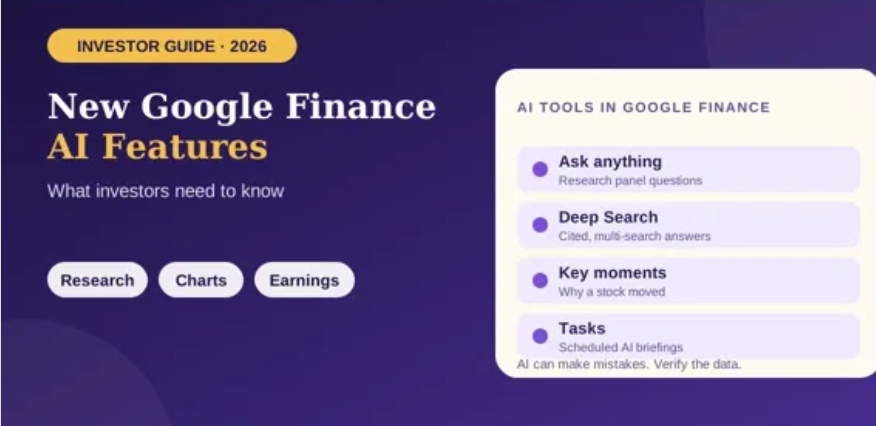
- You want AI-assisted research about your holdings: Google’s updated Finance experience supports questions about portfolio composition and potential gaps, though its output should be checked rather than treated as personalized professional advice.
Can you use both together?
Yes. They complement each other. A watchlist can be your research queue, while your portfolio can represent the investments you are tracking. Suppose you own shares in two companies and are considering a third. Keep the potential purchase on your watchlist while maintaining your current holdings in your portfolio. If you later buy the third company, update your portfolio information as appropriate.
This separation also helps reduce confusion. A stock you follow is not necessarily an asset you own, and a company you own may deserve monitoring even when it is no longer a potential purchase.
Does Google Finance place trades?
Google Finance is primarily a market information, research and tracking experience, not a substitute for a brokerage account. Do not assume that adding a security to a watchlist or entering it into a portfolio executes a trade. If you want to buy or sell, use your broker’s official platform and confirm the order there.
Common mistakes to avoid
- Mixing hypothetical and actual holdings: Keep watchlist ideas distinct from assets you own.
- Assuming imported data is perfect: Verify any portfolio created from a file or screenshot.
- Reading daily movement as overall performance: Consider your timeframe and the broader portfolio context.
- Relying on one screen as your financial record: Keep brokerage statements and transaction records as the authoritative sources for your account.
Frequently asked questions
Is a watchlist the same as a portfolio?
No. A watchlist tracks securities of interest; a portfolio is used to organize and review investments you want to track as holdings.
Should beginners start with a watchlist or portfolio?
If you are only researching companies, start with a watchlist. If you already hold investments and want a consolidated view, set up a portfolio and carefully verify the data.
Can a portfolio include more than stocks?
Google’s new Finance experience describes portfolio tracking and asset-allocation insights. The instruments and details you can enter may depend on the current interface and supported data formats, so verify your holdings after setup.
Conclusion
Use a Google Finance watchlist to monitor opportunities and a portfolio to understand the investments you are tracking together. They solve different problems, and using both can create a clearer workflow: research first, record holdings accurately, then review performance and allocation without confusing interest with ownership.