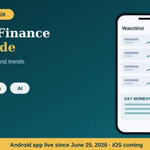
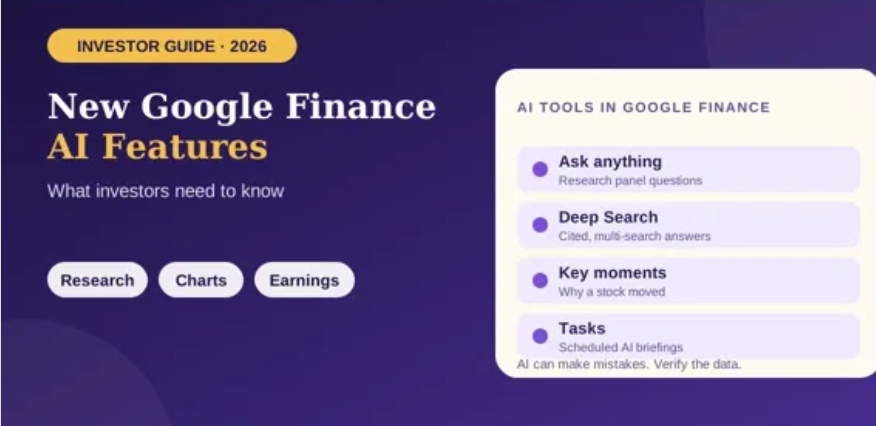
Google Finance has evolved beyond a page for checking stock prices. Its redesigned experience combines market data, news, advanced charts and AI-assisted research intended to help users investigate financial questions. In 2026, Google also announced portfolio insights, scheduled market briefings and a dedicated Android app. Here is what the features do—and what investors should still verify themselves.
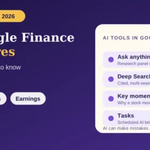
1. Ask AI questions about markets and companies
The new Google Finance experience lets users ask questions about the financial world and receive AI-generated responses with links to relevant sources. Instead of opening many individual pages, you can begin with a focused question about a company, industry, index or market event, then follow the sources to investigate further.
Useful prompts are specific and neutral. For example, ask which factors the latest company report identifies as affecting revenue, or request a comparison of two companies’ recent earnings announcements. Avoid treating a broad prompt such as “Which stock will rise?” as a reliable prediction.
2. Deep Search for more complex research
Google announced Deep Search for complex finance questions in November 2025. Google said the tool can perform extensive searches and combine information into a cited research response, allowing users to review the plan and follow links to source material. Availability and usage limits may vary by account, location and subscription. Read Google’s announcement of Deep Search and earnings features.
Deep Search is most useful when a question requires multiple sources. For instance, you might investigate how interest-rate changes, company guidance and industry demand are discussed in recent reporting. Check the dates and quality of the cited sources, and distinguish reported facts from the AI’s interpretation.
3. Advanced charts and technical indicators
Google Finance’s updated charts support more ways to inspect market history, including technical indicators and candlestick views. These tools can help users visualize price behavior over time and compare different periods. A chart is still a representation of historical data, not a guarantee of future performance.
Before interpreting a chart, confirm the ticker, exchange, currency and timeframe. A five-day view can tell a very different story from a five-year view. Technical indicators are calculations based on market data; they do not remove uncertainty or replace an investment plan.
4. Real-time market news and “Key Moments”
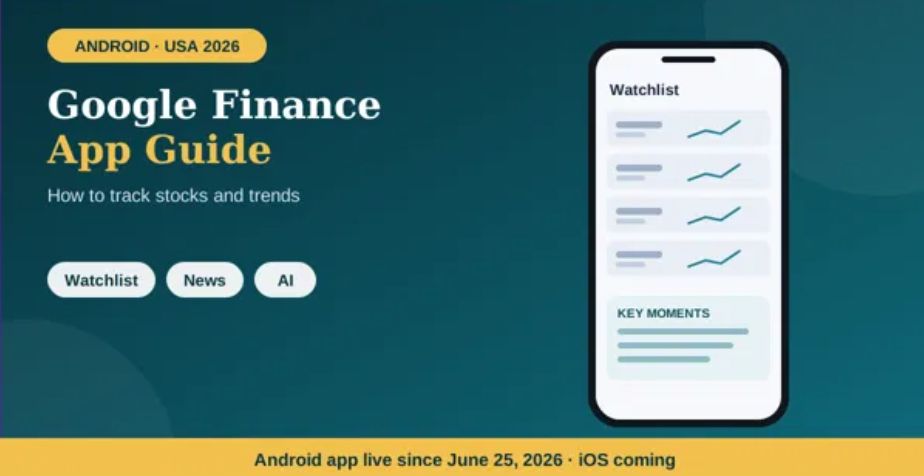
The updated experience includes a financial news feed and AI-powered explanations of why a stock may have moved. Google described “Key Moments” in its 2026 Android app announcement as a way to explain stock movements. These summaries can make it quicker to discover relevant headlines, but the explanation should be treated as a starting point.
Stock prices often move for several reasons at once, and a headline published after a move does not necessarily prove it caused that move. Open the underlying reports, compare publication times, and look for company filings or official earnings materials where relevant.
5. Earnings information and live call features
Google announced earnings-related tools including upcoming earnings information, live audio streams, synchronized transcripts and AI-generated insights around earnings events. These features can help users follow a company’s own explanation of its results and compare reported figures with expectations, where supported.
For a meaningful review, separate the headline result from the details: revenue, profitability, cash flow, management guidance and the assumptions behind forecasts may tell different stories. AI-generated summaries can omit context, so verify important numbers in the company’s official release or filing.
6. Portfolio insights and asset allocation
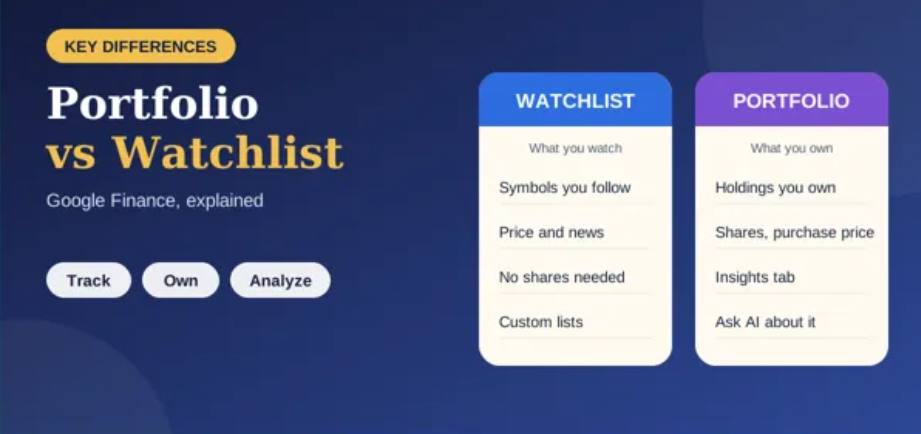
In June 2026, Google announced that portfolio features were rolling out globally in the new Finance experience. The dashboard can consolidate tracked investments, show performance information and provide insights into asset allocation. Google says users can create a portfolio using screenshots, CSV or PDF files, or by describing their investments. See the official portfolio update.
Imported information should be checked carefully. Confirm tickers, quantities, currencies and any other details shown. If the portfolio is intended to reflect actual investments, compare it against your brokerage records rather than assuming that an AI-assisted import captured every field correctly.
7. Scheduled market briefings
Google also announced a way to schedule recurring market updates. Users can describe the kind of briefing they want, choose a schedule and receive a notification when it is ready. For example, a user might request a morning summary of overnight market moves or a weekly overview of upcoming earnings among watched companies.
Scheduled briefings can make research more consistent, but they should not be confused with automatic trading or guaranteed alerts about every important event. Check the generated briefing, its sources and the delivery settings. Feature availability can differ between the web experience and mobile app.
Availability: web, Android and iOS
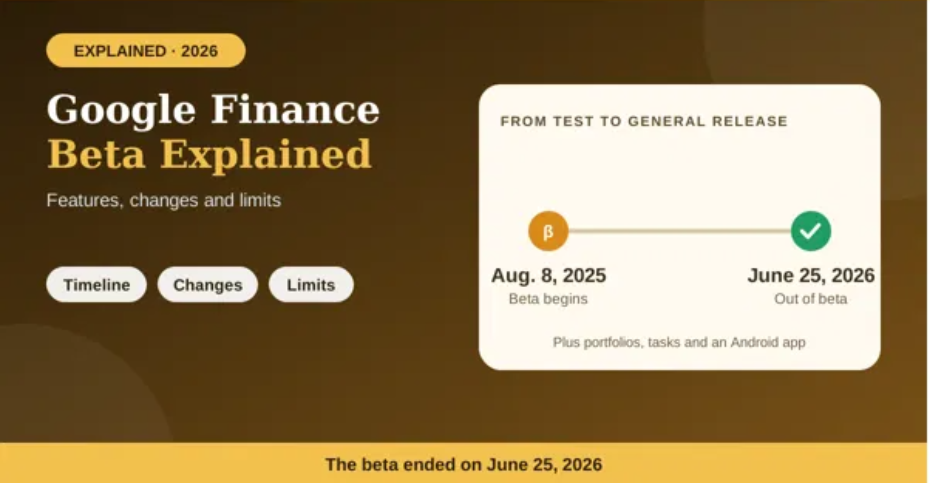
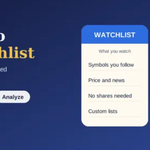
Google announced that the redesigned Finance experience was coming out of beta in June 2026 and introduced a dedicated Android app. Google’s help page says the Android app includes the core research panel, interactive charts, market news and custom watchlists, while portfolios, scheduled tasks and live earnings streaming are web-only for now and planned for mobile updates. iOS support was described as coming soon, so check the latest official information for changes. Check Google’s current help page for feature availability.
Important limitations investors should understand
- AI can be wrong: Verify key claims, figures and source links.
- Research is not a personal recommendation: A generated response may not understand your financial situation, goals or risk tolerance.
- Market data has context: Check timestamps, exchange hours and whether a quote is delayed.
- Availability can vary: Some features may not appear for every user, device or region at the same time.
- Keep official records: Use broker statements and company filings for decisions that depend on exact holdings or financial results.
How to get better results from Google Finance AI
Ask one clear question at a time, specify the period you care about, and request links to primary sources. Follow up when a response uses vague terms or omits a key comparison. For example: “Summarize the latest quarterly results for Company X, separate reported figures from management guidance, and link to the official earnings release.” Then check that the cited document actually supports the summary.
Conclusion
Google Finance’s AI features can help organize research, surface market context and make complex information easier to explore. Their strongest role is as a research assistant, not an unquestionable authority. Use the charts, summaries, portfolio tools and briefings to guide your questions, then verify the evidence before making financial decisions.