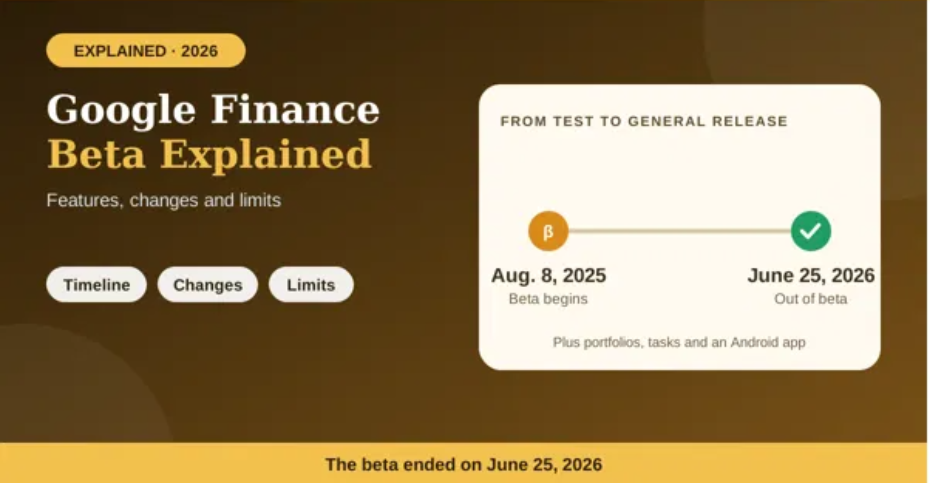
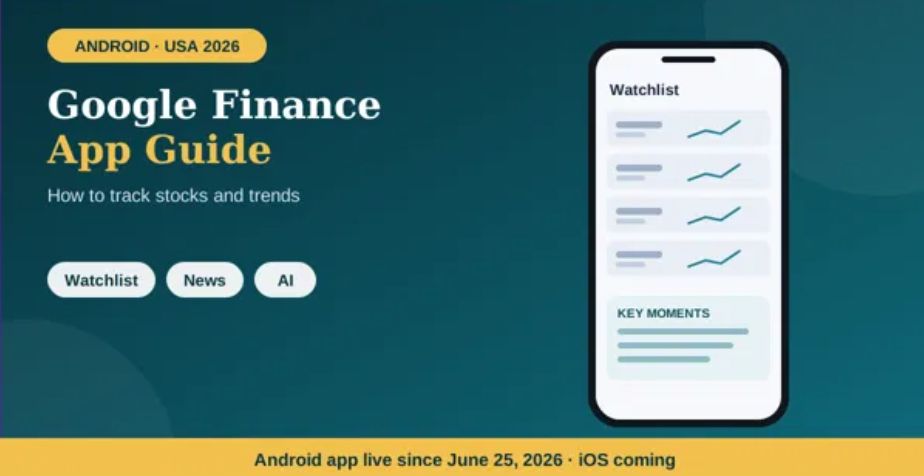
Google Finance gives users a way to follow stock prices, explore market news and research companies. In June 2026, Google introduced a dedicated Android app alongside updates to the web experience. Whether you are a beginner or already follow the markets, a simple routine can help you use the service without getting overwhelmed by every price movement.
What is the Google Finance app?
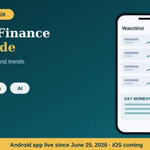
Google Finance is Google’s market information and research experience. It provides information about stocks and other supported financial instruments, along with news, charts and tools for following companies. The dedicated Android app brings core features such as custom watchlists, market news, interactive charts and AI research into a mobile interface. Some newer capabilities remain available only on the web, according to Google’s help documentation. Read the official app announcement.
Step 1: Open Google Finance and sign in
Visit Google Finance in your browser or install the official Android app from Google Play if it is available to you. Some information can be viewed without signing in, but Google says a Google Account is needed for custom watchlists and deeper personalized research features.
Use the account you want associated with your saved lists. If you regularly switch between personal and work accounts, verify the profile before building a watchlist so you can find it again on other devices.
Step 2: Search for a stock or market index
Use the search field to look up a company by name or ticker symbol. Check the company name and exchange before opening the result; different securities can have similar names or symbols. Once on a company page, review the displayed price, recent performance, chart and related news.
Do not focus only on the large price number. Check the percentage change, the period being shown, the currency and whether the market is currently open. A price can be the last available quote rather than a continuously updating live trade.
Step 3: Create a useful watchlist
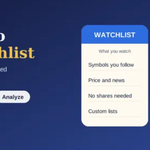
A watchlist lets you collect securities you want to monitor. Add companies you are researching, industry competitors or stocks you may want to study later. Keep the list focused enough to review comfortably instead of adding every ticker you encounter.
One practical approach is to group your attention by purpose: companies you already follow closely, companies you are researching, and companies with an upcoming event. The exact list organization options may vary, so use the controls available in your current version.
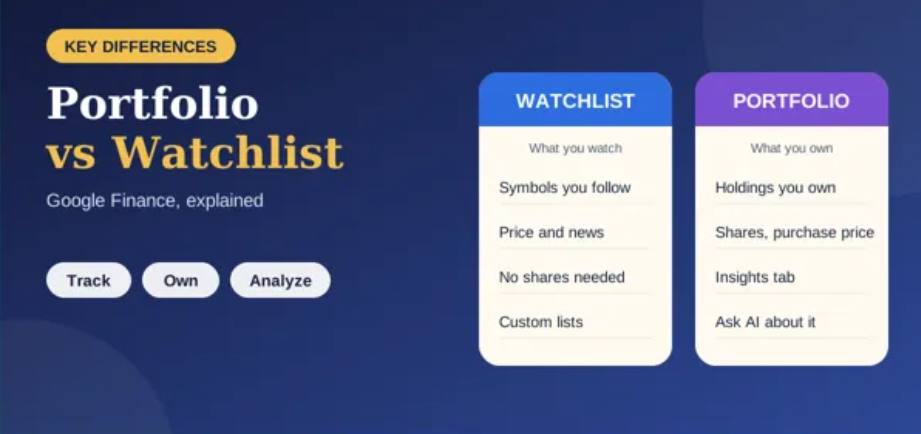
Remember that following a stock does not mean you own it. A watchlist is a research and monitoring tool, not a record of completed trades.
Step 4: Read news alongside price changes
Google Finance provides financial news connected to the markets and companies you follow. When a stock moves sharply, open the relevant headlines and look at the publication time. Check whether the news is new, whether it comes from a reliable source and whether the article actually discusses the company or event you are tracking.
A headline is not proof of a cause. Market prices may respond to company news, economic releases, interest rates, industry developments and wider investor expectations at the same time. Use news to develop questions, then compare several sources before drawing conclusions.
Step 5: Use charts to understand trends
Charts help put daily moves into perspective. Switch between available time ranges to compare short-term movement with longer-term performance. The redesigned Google Finance also offers more advanced charting options, including technical indicators and candlestick views in supported experiences.
- Short timeframe: Useful for seeing recent volatility, but it can exaggerate small moves.
- Longer timeframe: Helps show whether a recent move is large or small relative to past performance.
- Compare similar periods: Avoid comparing a one-week return for one company with a one-year return for another.
- Check the scale: A chart’s vertical axis can affect how dramatic a move looks.
Step 6: Follow market trends, not just individual stocks
To understand the broader market, monitor relevant indices and compare them with sectors or companies you follow. You can also explore economic and financial news to see what investors are discussing. Avoid assuming that one day’s movement establishes a lasting trend; look at the timeframe and the information available.
For a repeatable routine, choose a small set of indicators that match your interests. A long-term investor might focus on company results and multi-month performance, while someone studying short-term price movement may examine shorter intervals. Neither approach removes risk, and chart patterns do not guarantee future results.
Step 7: Try AI-assisted research
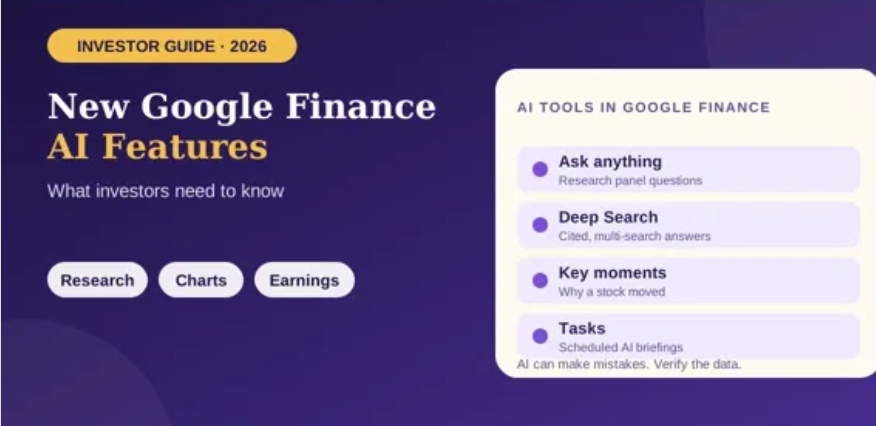
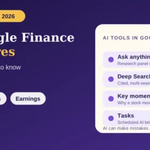
The redesigned Google Finance experience includes AI-powered research features that can answer questions and link to sources. Google’s Deep Search announcement describes more extensive research for complex financial questions. Try prompts that request a factual summary and sources, such as “Summarize the latest earnings release and list the main changes from the previous quarter.”
Read the cited material rather than relying only on the summary. AI-generated explanations can miss context, and the availability of specific features may depend on your account or region. Google Finance is a useful research aid, not a substitute for independent verification.
Step 8: Review your portfolio separately
If you track actual investments, Google’s newer portfolio experience can consolidate holdings and show performance and asset-allocation insights. It is separate in purpose from a watchlist of stocks you merely want to follow. Review any data entered manually or imported from a file, and compare it against your broker’s records.
How often should you check Google Finance?
There is no single ideal schedule. Checking constantly can make normal market fluctuations feel more important than they are. Choose a routine that suits your goals—for example, reviewing a watchlist once a day or checking company news around scheduled earnings announcements. If you are a long-term investor, make sure your review habits match your actual time horizon.
Common mistakes beginners should avoid
- Confusing a watchlist with a portfolio of owned investments.
- Assuming all displayed prices are live or available during every market session.
- Making decisions from a single headline or AI summary.
- Comparing returns across different time periods without noticing the mismatch.
- Assuming Google Finance places trades; use a brokerage platform to execute and verify orders.
Conclusion
Use Google Finance as a central place to find market information, follow companies, review charts and explore relevant news. Start with a focused watchlist, confirm the details behind each ticker, and build a consistent review routine. When you use AI research, treat it as a starting point and verify important facts with original sources